Commit Graph for Azure Repos
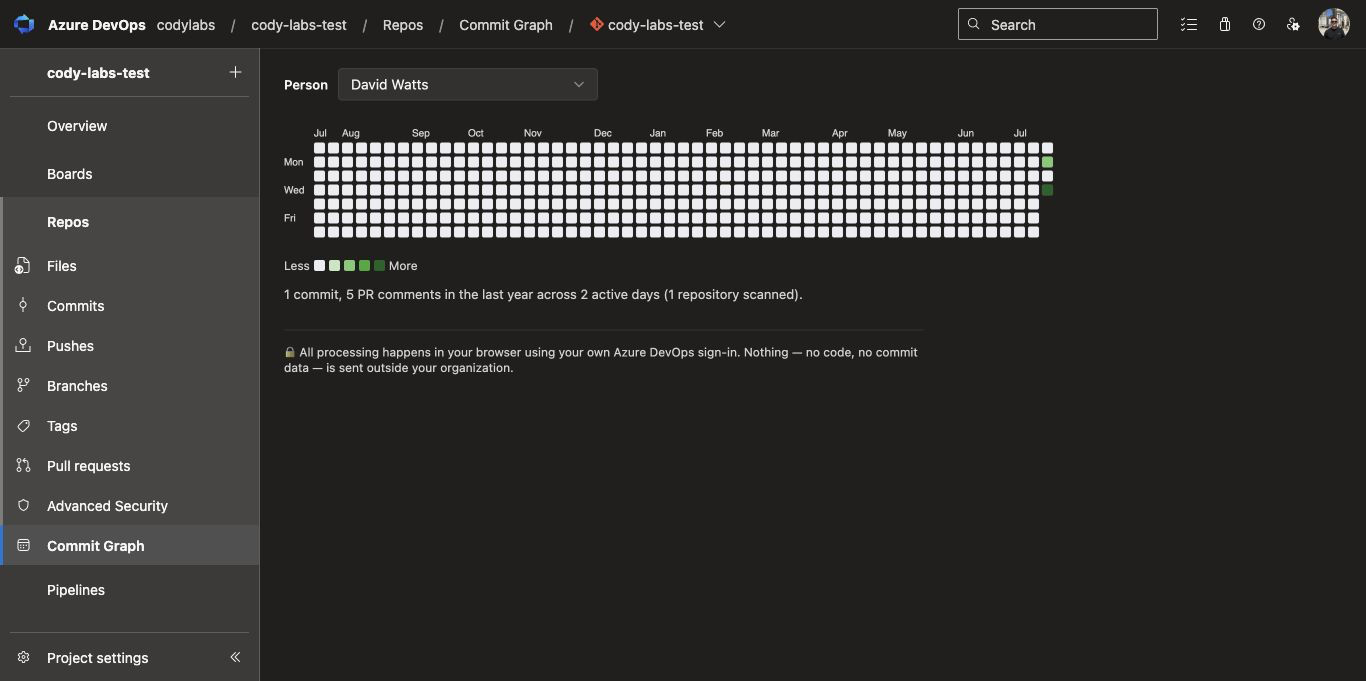
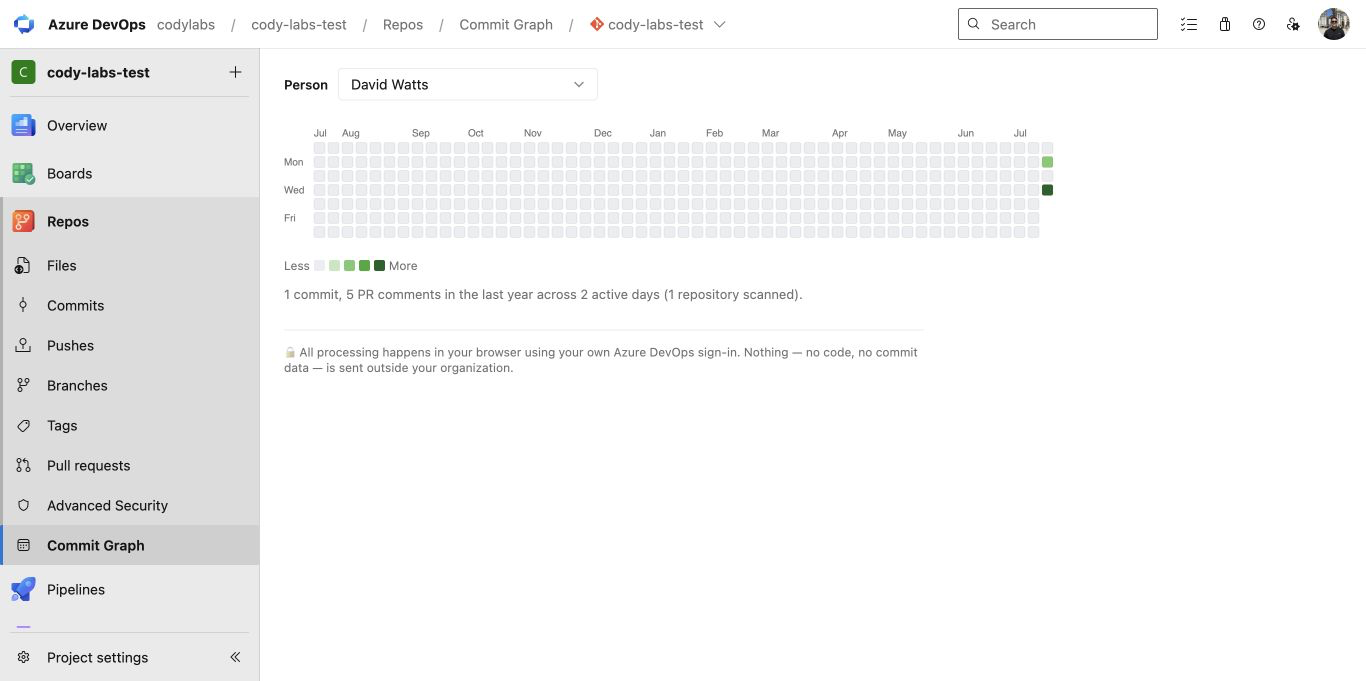
A contribution heatmap for each person, across every Azure Repo in the current project. It is the GitHub and GitLab style activity calendar that Azure DevOps doesn't have.
- Works in
- Azure DevOps, Repos hub
- Runs
- In your browser, with the viewer's own credentials
- Your data
- No Cody Labs server. No data leaves your organization.
- Price
- Free for your own graph. Pro US$10/mo per organization.
- Support
- [email protected]
Try the contribution graph
Pick a sample contributor and hover over or focus any day. The installed extension draws the same 53-week view from commits and pull-request comments across every repo in the current project.
Illustrative data only. The extension reads your Azure DevOps project client-side using the viewer’s existing access.
See what anyone has contributed
Commit Graph adds a GitHub and GitLab style contribution calendar to Azure Repos. Pick a person and see a year of their commits and pull-request comments across all repositories in the current project. It runs inside Azure DevOps with the viewer's existing credentials. Repository activity is never sent to a Cody Labs server.
Why teams install it
Per-person heatmap
Daily activity for each person over the last 53 weeks.
Commits and PR comments
Counts authored commits and real discussion comments. System events are left out.
Every repository
Covers up to 50 repositories in the current Azure DevOps project.
Client-side privacy
Calls the Azure DevOps REST API with the viewer's own credentials. There is no external backend.
How to use it
- 01Install the extension from the Azure Marketplace.
- 02Open any project → Repos → Commit Graph.
- 03Your own graph loads automatically. Pick any teammate from the Person dropdown to see theirs.
- 04Hover any day for the exact breakdown of commits and comments.
Everything runs in your browser inside the Azure DevOps web UI, using the viewer's own credentials. There is no backend and no data leaves your organization.
Common use cases
Contribution reviews
Reviewing what each engineer contributed across a project with several repositories.
Retrospectives
Retrospectives and activity summaries.
Less clicking through repos
See activity patterns without opening each repo one at a time.
Pricing
- Your own contribution graph, forever
- Every contributor in the dropdown
- One license key covers everyone in your organization
- US$100/yr option
- Cancel anytime
Your license key arrives by email after checkout. Click Enter license key in the Commit Graph toolbar and paste it.
Frequently asked questions
Does Azure DevOps have a contributions graph like GitHub?
Not built in. Azure Repos has no calendar view of a person's activity. Commit Graph for Azure Repos adds a GitHub-style contributions graph of commits and pull-request comments across every repository in a project.
Does it include pull-request comments?
Yes. It counts non-system PR discussion comments as well as commits.
Does repository data leave Azure DevOps?
No. The extension runs client-side and has no Cody Labs data-processing server.
Is the view organization-wide?
v1 covers every repository in the current project, not multiple projects.